

Create your first automation
Aident turns a plain-English description into a Playbook — a reusable automation you can run on demand, on a schedule, or when something happens in another app. Here’s the path from idea to running playbook.1
Describe what you want
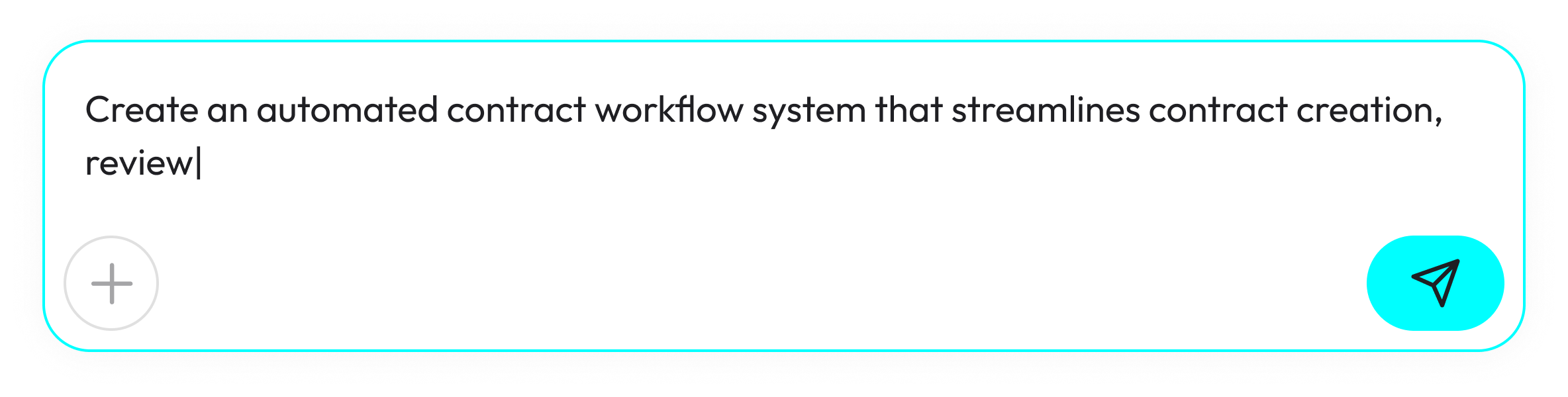
On Home in the left sidebar, you’ll see a big input with the placeholder “Describe your job and automation here to get started…”. Type a short paragraph describing the job — what should happen, which apps are involved, and how you’ll know it worked. Press Enter to send. You can attach up to 10 images if a screenshot helps explain.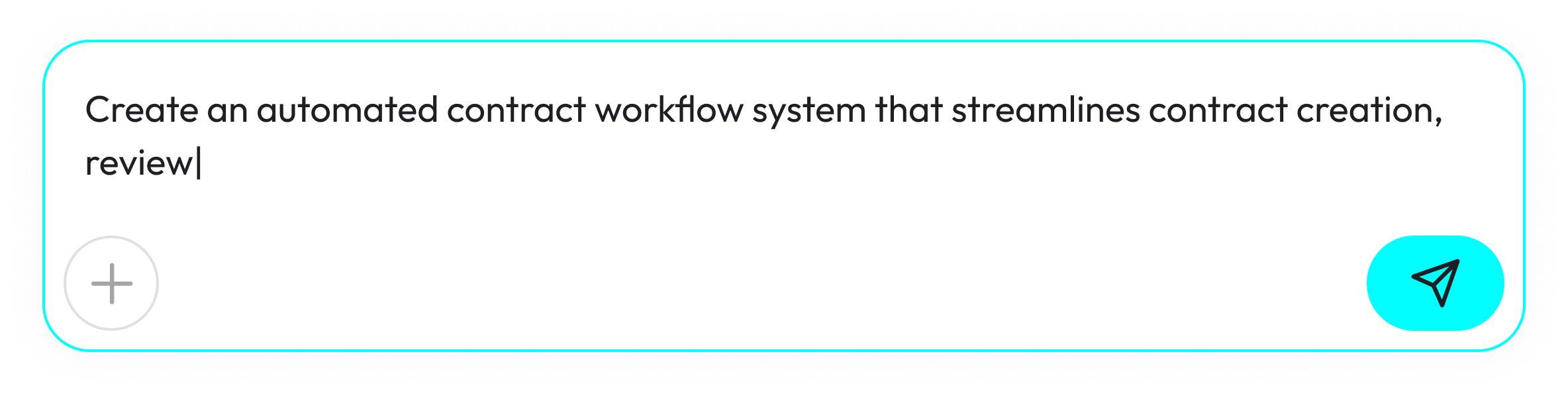
2
Meet your Playbook
Aiden — the AI assistant — drafts a Playbook and opens it in the editor. You’ll see three stacked sections on the canvas:
- 🎯 Goal — what the playbook should accomplish and what “done” looks like. Edit it like a rich-text field.
- ⚙️ Integrations — pills for the apps your playbook will use, inferred from your Goal and Plan.
- 📄 Plan — an Input card, the ordered Steps, and an Output card.
3
Connect the apps
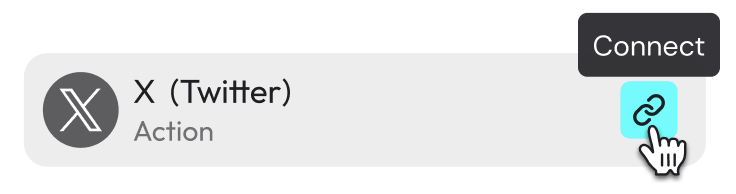
Look at the integration pills in ⚙️ Integrations: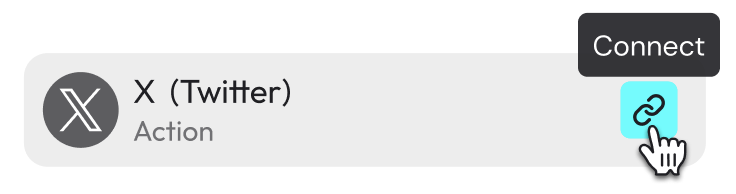
- White pill — connected and ready to use.
- Orange pill — you haven’t signed in yet. Click the pill to connect.
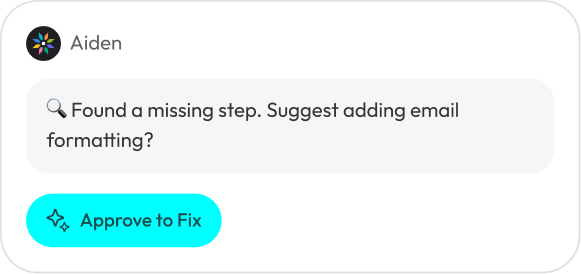
- Red pill — something’s unresolved. Click Ask Agent to Fix and Aiden will repair the reference.
Don’t see the app you need? Request an integration and we’ll look into adding it.
4
Run it
Once all pills are white, it’s time to try it out.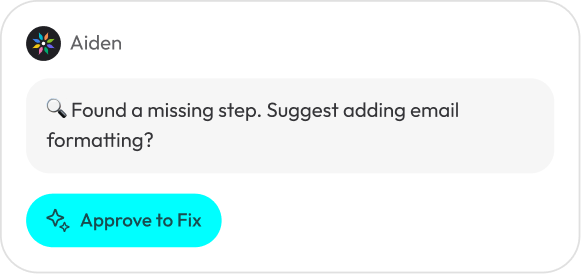
- Click Test Run to trigger an on-demand run right now. Use this to confirm the Plan does what you expect.
- Open the Triggers tab to configure automatic runs: add a Time Trigger for schedules or an External Event trigger for events in connected apps, such as a new email or a new row in a sheet. You can also set the Input it receives and the Output it returns.
5
Watch it on the Dashboard
Open Dashboard in the sidebar to see every playbook you own. A status label next to each one tells you what’s going on:
Click any playbook to see its run history, open awaiting approvals, or jump back into the editor.
Running

Running
A run is in progress right now.
Healthy

Healthy
The steady state — the playbook is set up and recent runs succeeded.
Awaiting

Awaiting
The playbook is paused waiting for you — usually an approval or a piece of input. Click in to respond.
Failed

Failed
The last run didn’t finish successfully. Click in to see what happened.
Not Ready

Not Ready
No triggers are active yet. Open the Triggers tab to turn one on.
FAQ
A playbook shows Failed — what now?
A playbook shows Failed — what now?
Open the playbook to see which step failed and why. Common fixes: reconnect an orange integration pill, click Ask Agent to Fix on a red pill, or ask Aiden in the side chat to repair the step. Then try another Test Run.
My scheduled run didn't trigger
My scheduled run didn't trigger
Open the playbook and go to the Triggers tab. Confirm a Time Trigger or External Event is configured and active. If Dashboard shows Not Ready, there are no active triggers yet. You can also ask Aiden to set triggers up for you from the side chat.
The playbook needs my approval to keep going
The playbook needs my approval to keep going
That’s the Awaiting status on the Dashboard. Click into the playbook to review the run, approve or edit the pending item, and let it continue.
The results aren't quite what I wanted
The results aren't quite what I wanted
Edit 🎯 Goal to sharpen what “done” means, tweak the Steps in 📄 Plan, or ask Aiden in the side chat to adjust a specific part. Run Test Run again to check. You’re in control — the playbook is yours to shape.
I hit something that looks like a bug
I hit something that looks like a bug
We’re in active beta and want to hear about it. File a bug in Discord and we’ll take a look.